
Connected data
Products, orders and customers are the same records everywhere: change a product once and every order and report sees it.
Each module handles one part of daily store operations, while staying connected to the rest of the workspace.
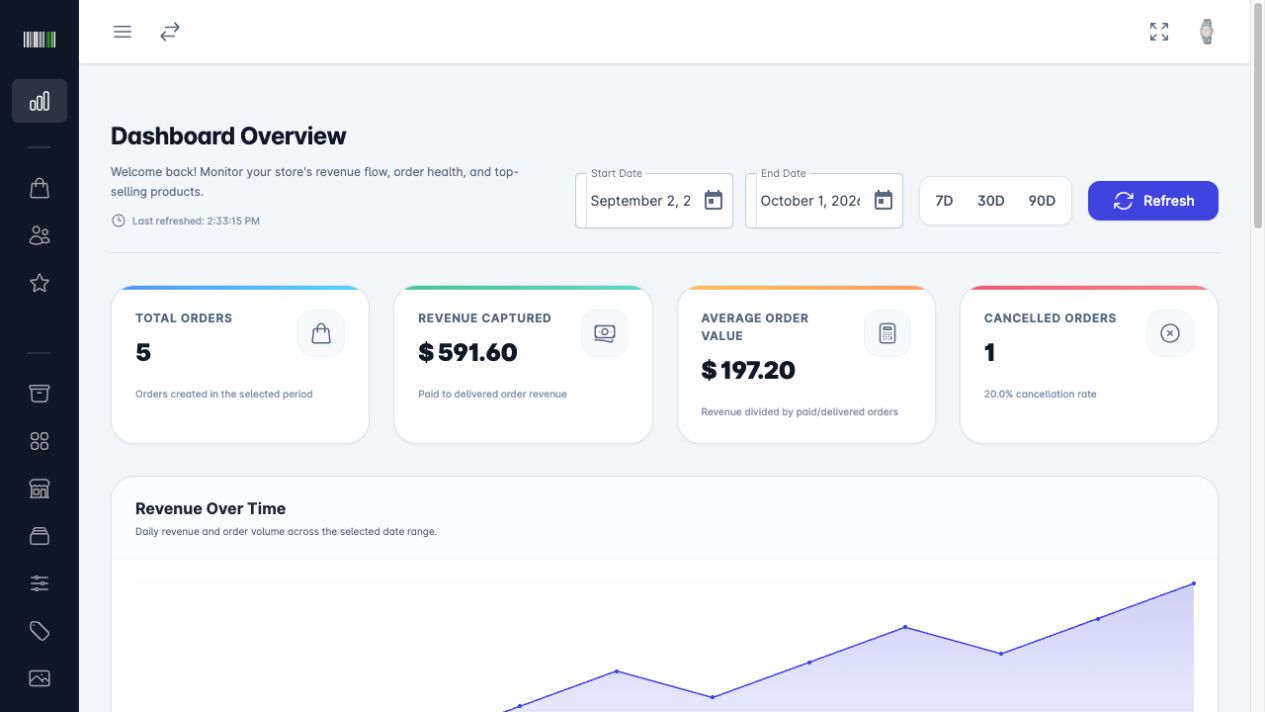
See how the store is doing, for any date range, without building a report by hand.
The same habits repeat across the admin, so learning one module teaches you the rest.
Products, orders and customers are the same records everywhere: change a product once and every order and report sees it.
The things you do every day are one click from each list.
Narrow any list by status, date or text instead of scrolling.
Every order and request shows where it is, with a clear colour.
Select many products or orders and update them together.
Every change in the admin requires a signed-in admin account.
A quick look at the screens behind every group. Open the demo to click through them.
Revenue, orders and trends for any date range, with CSV export.
Open in demo (opens in a new tab)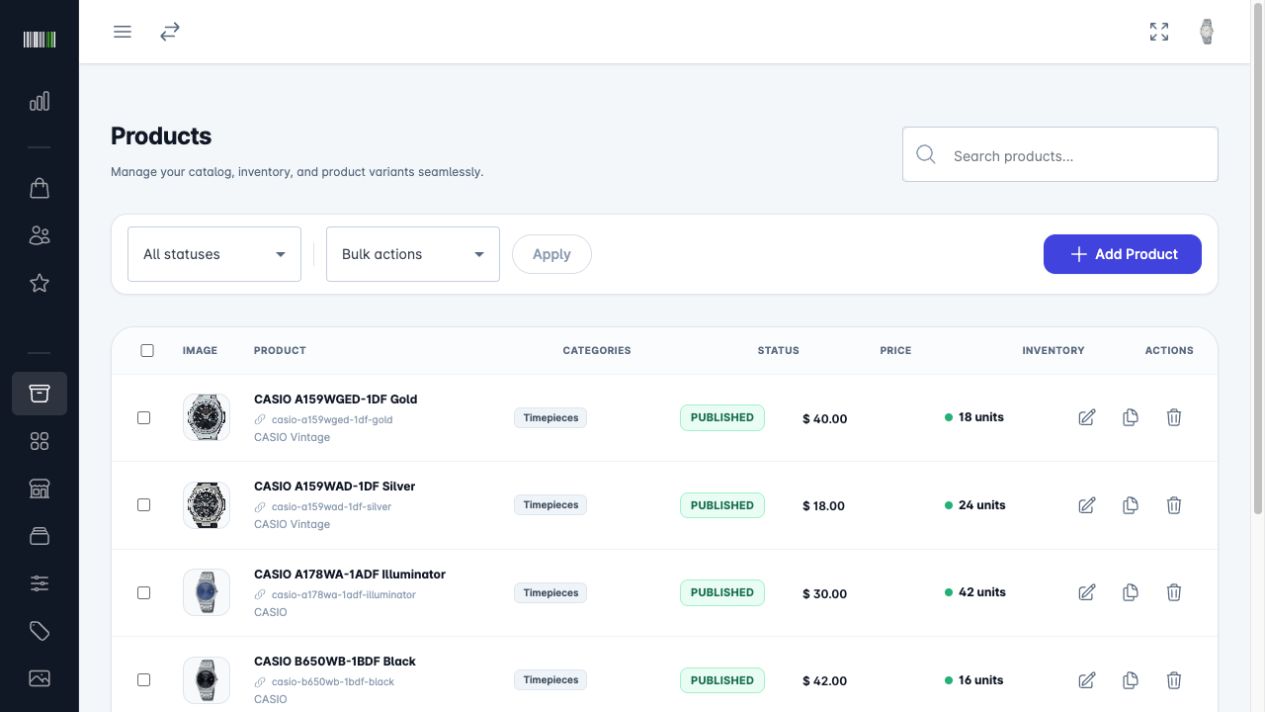
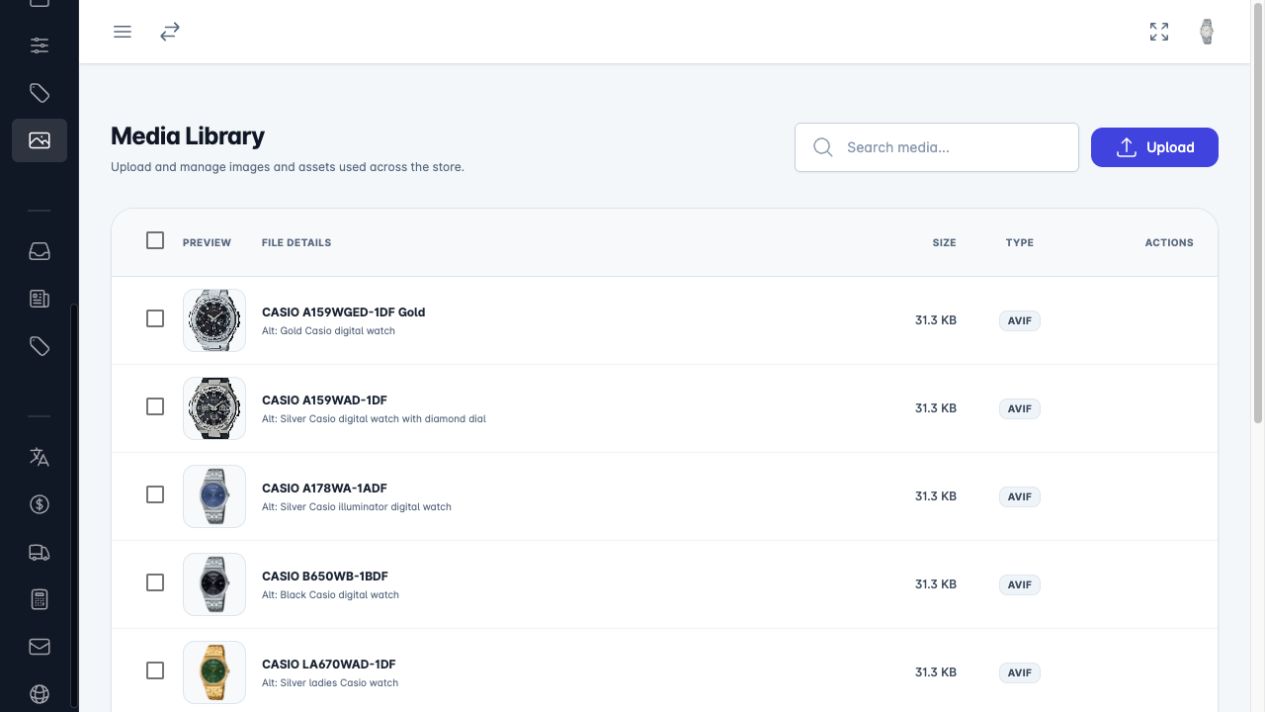
Products with stock and status, plus one shared media library.
Open in demo (opens in a new tab)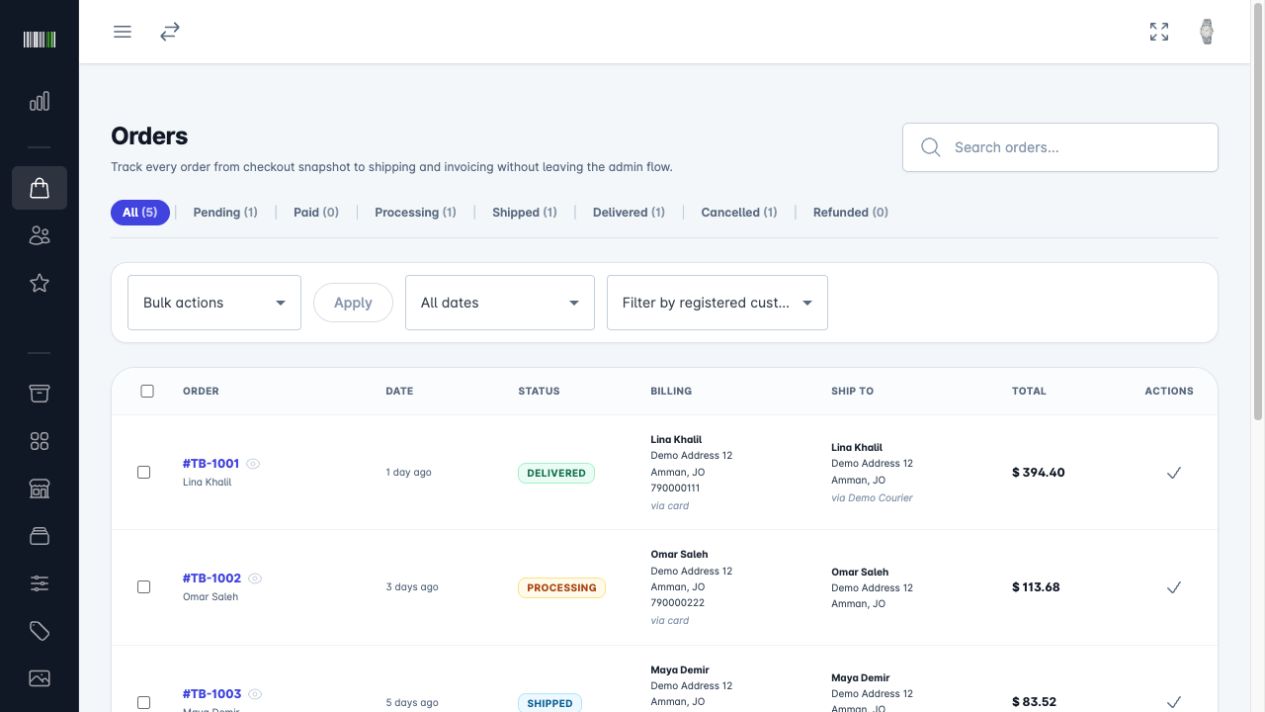
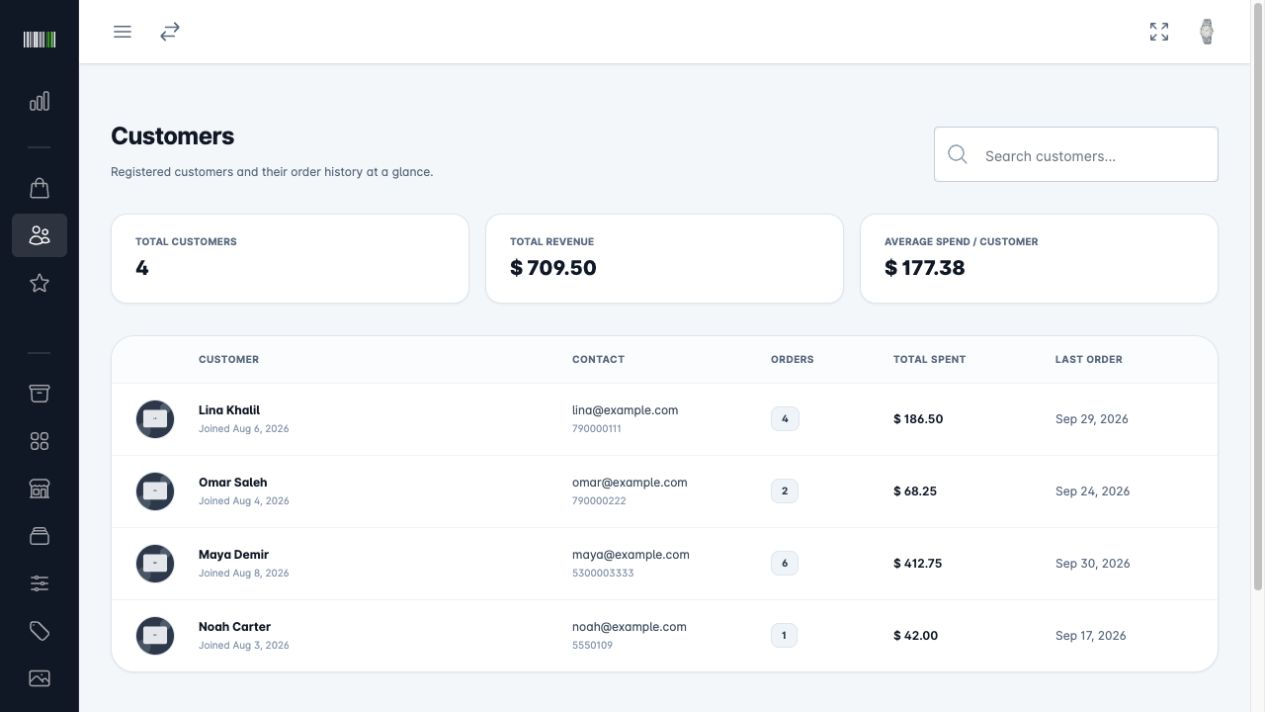
Orders through every status, and customers with their history.
Open in demo (opens in a new tab)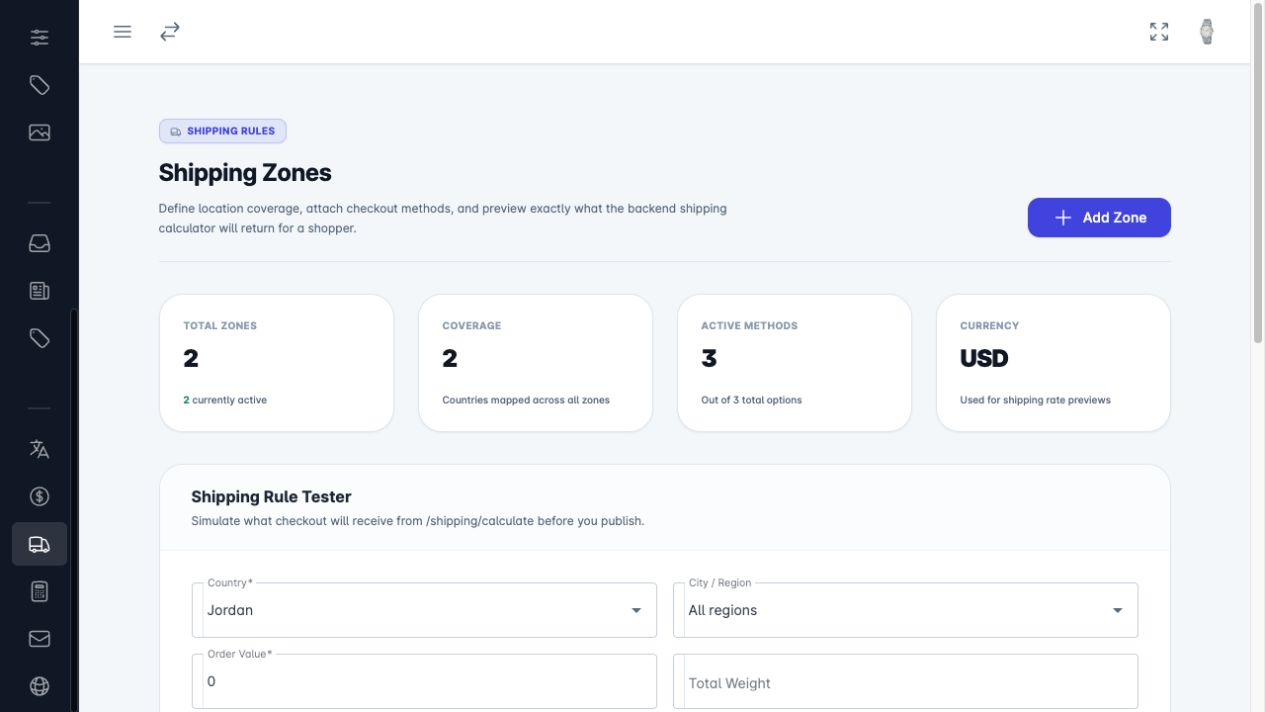
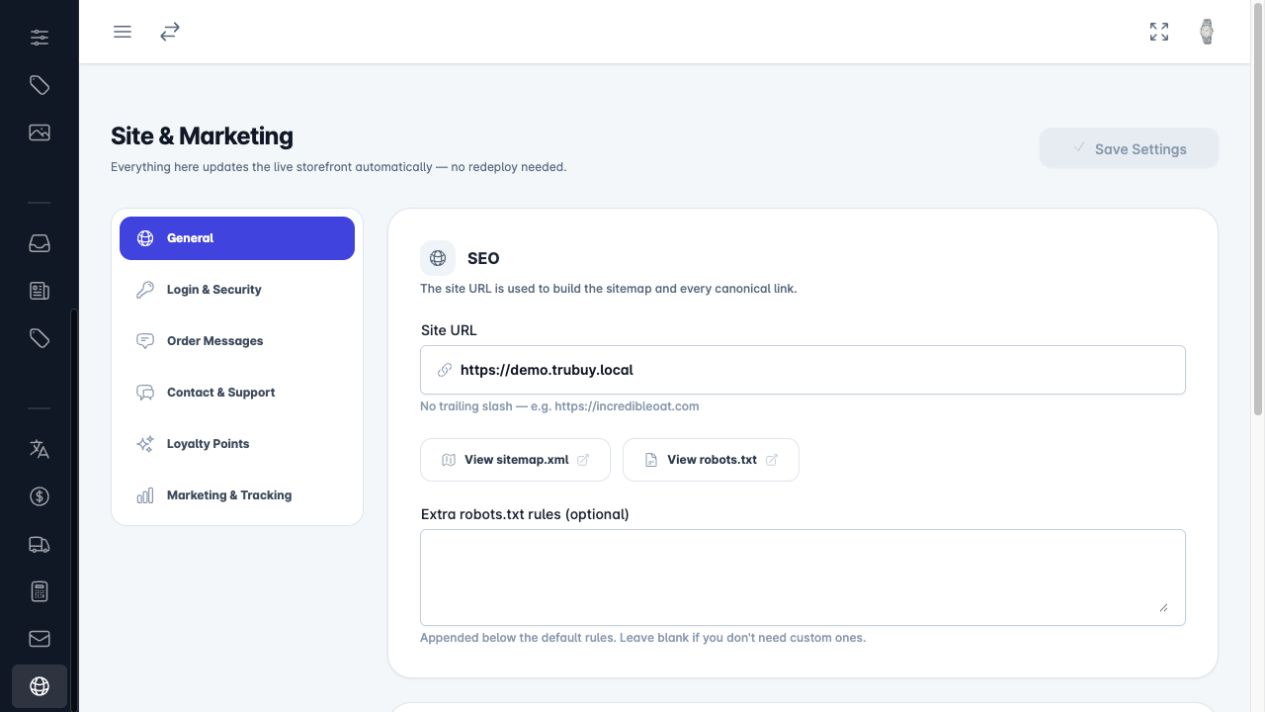
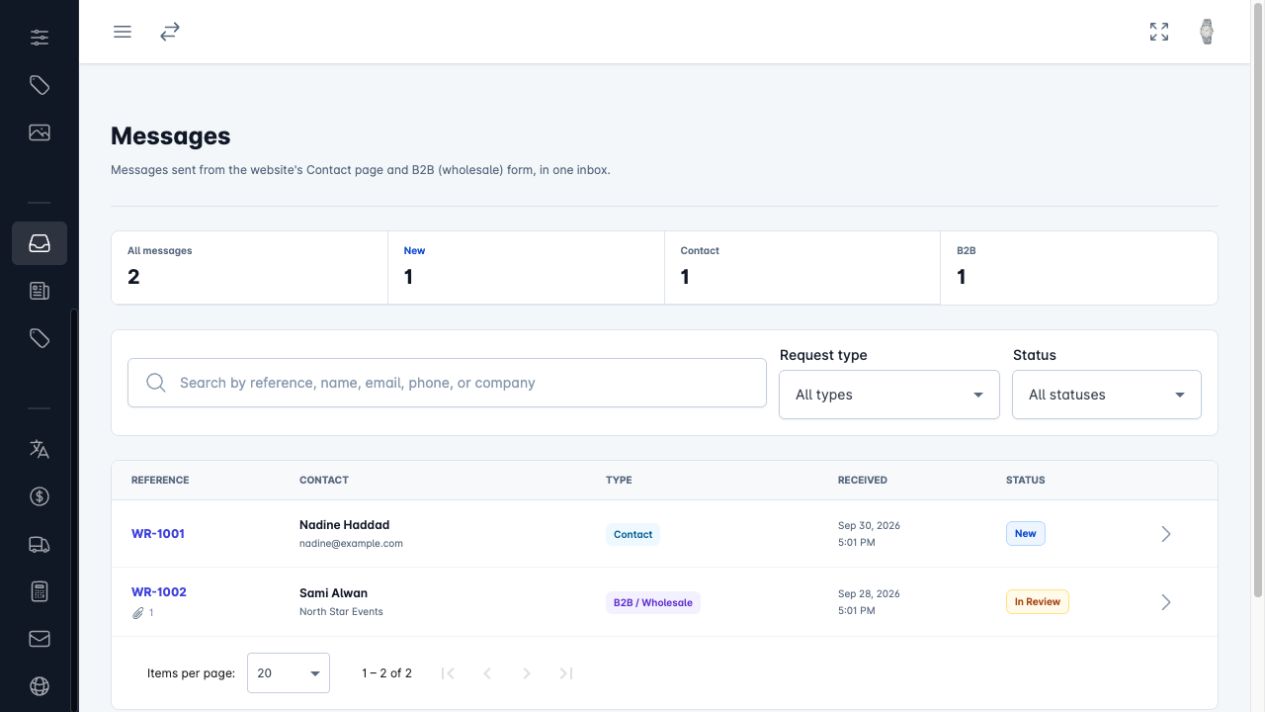
Website enquiries and B2B requests with status and notes.
Open in demo (opens in a new tab)Each module hands work to the next one, so nothing is typed twice.
Ordered items keep their price and variant
Every order adds to the customer’s history
Discounts are checked and applied at checkout
Zones decide the delivery price
Enquiries keep the sender’s contact details
Analytics reads activity from all modules
Once you know these, you know how to work in any module.
Start with the dashboard, then move through catalog, orders, customers, setup and requests to see how it all connects.