
01
Teams jump between scattered screens to finish one task.
TruBuy was designed around a simple idea: daily operations get easier when every product, order, request and setting has a clear place to live.
Teams jump between scattered screens to finish one task.
Important status changes get buried under everything else.
Simple actions take more attention than they should.
Every screen should answer one clear question.
Actions should sit right next to the information that needs them.
The interface should stay readable after hours of use.
List what a store team actually does each day, from the first order to the last message.
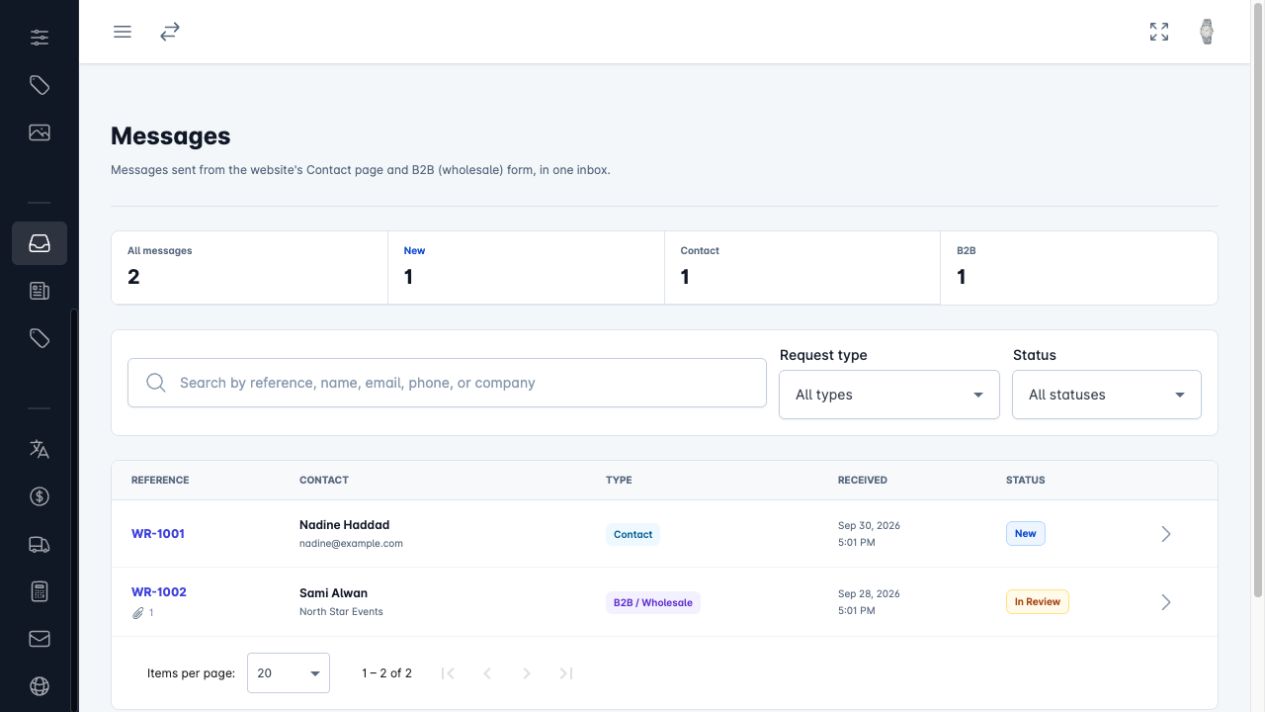
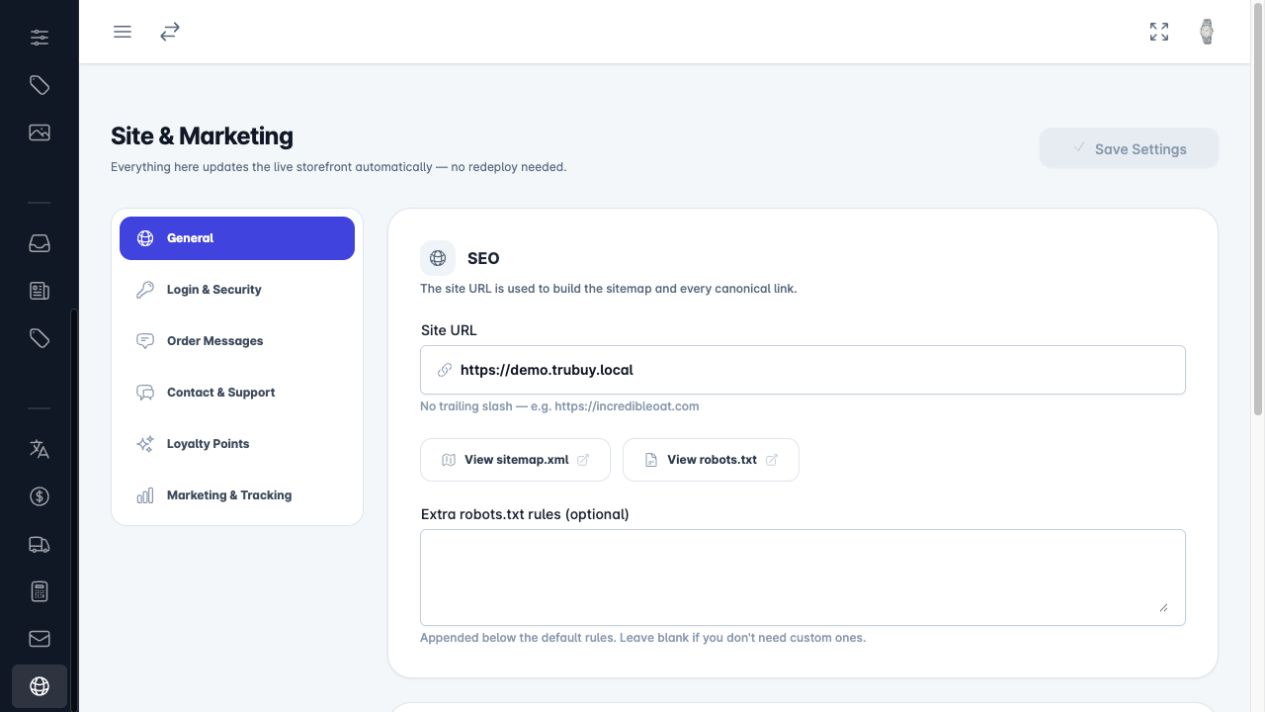
Put each job in one place: catalog, sales, growth, setup and incoming requests.
Soft colours, clear spacing and one main action per screen.
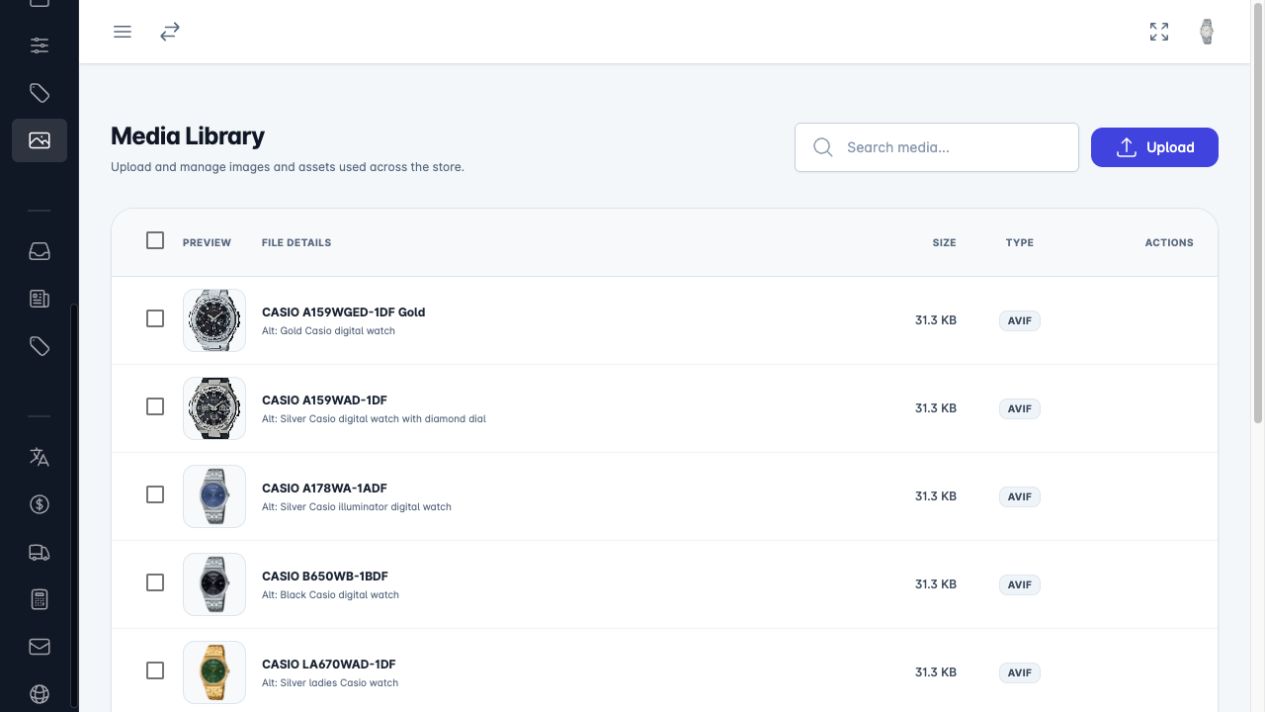
Search, filters and bulk edits that work the same way in every list.
Clarity is a feature.
If a screen needs explaining, the screen is not finished yet.
Numbers sit next to the orders and products they describe.
Lists are grouped and filterable, so the next task is easy to find.
Colour is saved for status, so what matters stands out.
Every module uses the same patterns, so nothing has to be relearned.
A clear overview of sales, orders and what needs attention today.
The same daily tasks, done quickly: orders, stock and shipping.
Customer history and website messages, with notes and statuses.
Products, photos and articles kept up to date in one library.

The best admin system does not ask for attention. It gives attention back.
That is the reason behind the structure, spacing, motion and modules: helping teams see what needs to happen next without making the interface louder.